How To Use An OBD2 Automotive Scan Tool
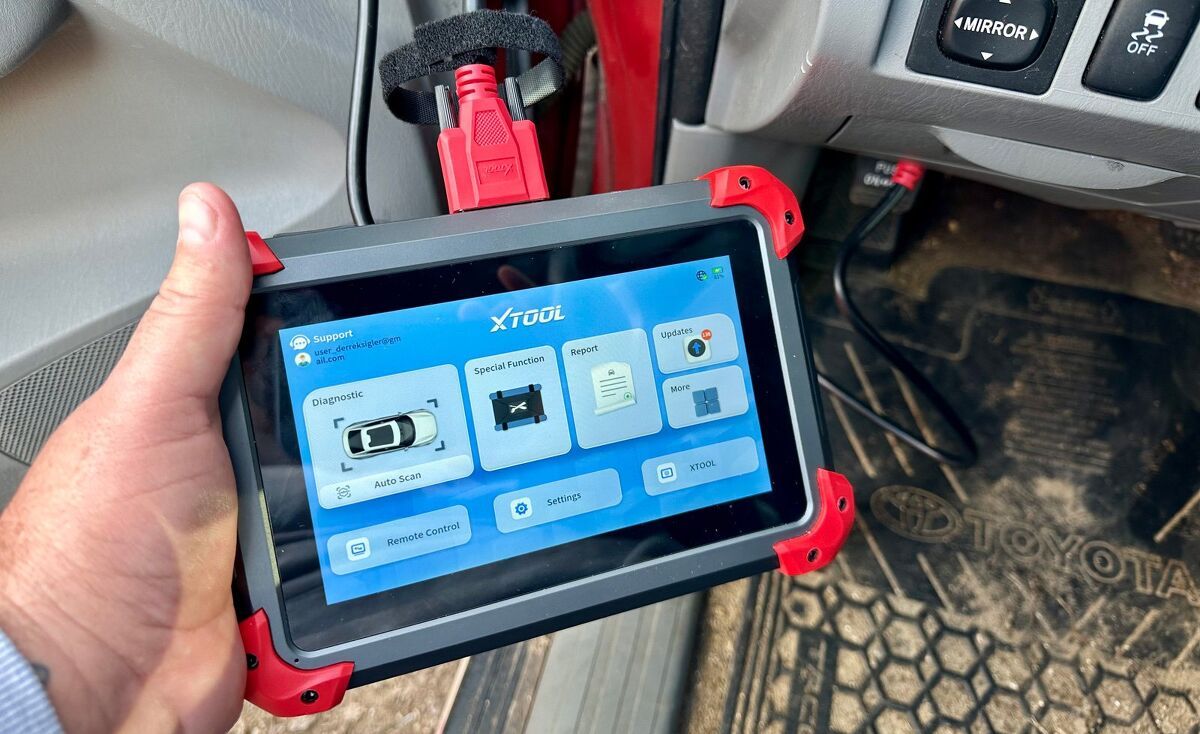
If your car or truck’s check engine light is on, there’s a stumble when accelerating, or if the transmission just isn’t shifting the way you think it should, it’s a good idea to get these potential issues looked at before something major fails and you’re left with a huge repair bill. A quick way to precisely diagnose myriad automotive problems—or at the very least get a rough idea of what might be wrong—is to use an automotive scan tool. Here’s what these pint-sized computers do and how you use one.
See Also: Top 5 Bluetooth Scan Tools

What is an Automotive Scan Tool?
But first, what is an automotive scan tool? Simply put, it’s a device that plugs into the diagnostic port found on essentially every modern vehicle. These sockets are usually located down low on the driver’s side dashboard and are typically hidden behind a protective cover to keep dirt and dust out of the electrical pins.
Scan tools connect to the vehicle’s control computer (or more realistically these days, computers), which features something called onboard diagnostics. This is a feature that allows the vehicle to analyze how well various systems are operating, keeping tabs on numerous different parameters. If something is amiss, the system makes a note of this by storing something called a diagnostic trouble code, or DTC for short.
Onboard diagnostics tracks hundreds of different vehicle functions, from the oxygen sensors in the exhaust system to the crankshaft position sensor, transmission shift solenoids to ignition coils, the fuel level monitor to the mass airflow sensor, the charging system to the powertrain control module. With the borderline absurd complexity of today’s vehicles, this list goes on and on, making the scan tool an invaluable piece of hardware.
Diagnostic Trouble Codes
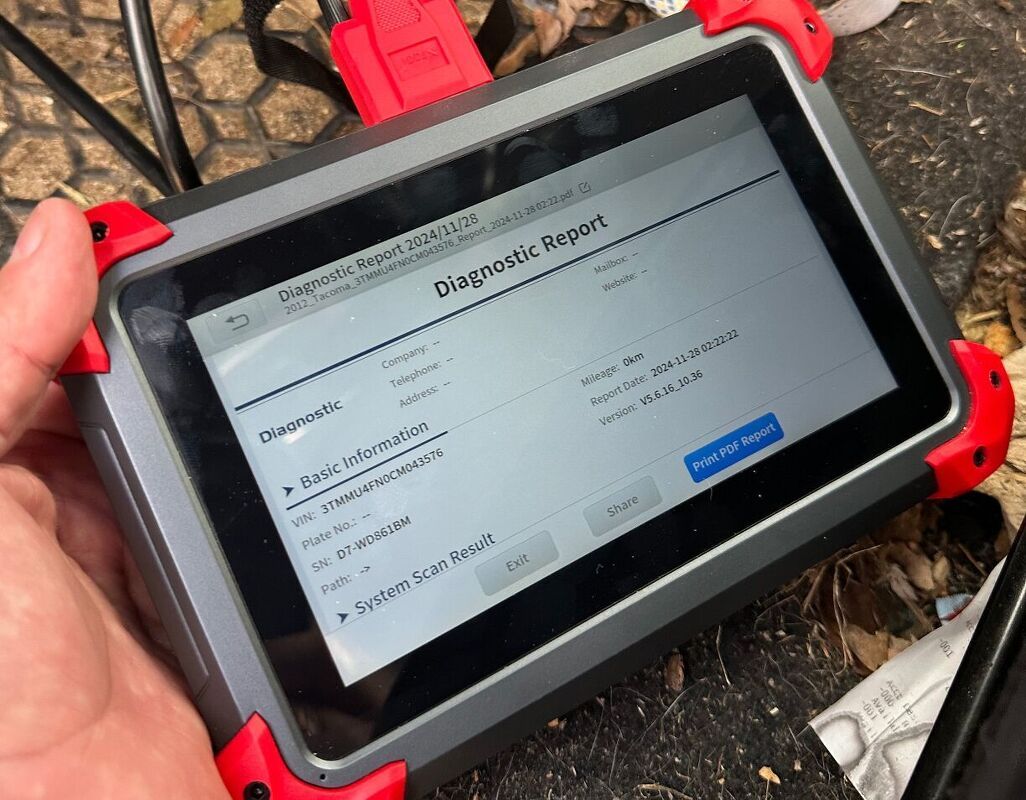
If something is wrong with your vehicle, a scan tool can help you pinpoint the issue. If, for instance, a P0301 DTC is found stored in the computer, this indicates there’s a cylinder 1 misfire; P1117 shows there’s an intermittent issue with the coolant temperature sensor; and P1148 could be indicative of an alternator malfunction.
These codes seem totally random, but there is a method to the apparent madness. The first letter corresponds to what system in the vehicle is malfunctioning. B is related to the body, C covers the chassis, P is for powertrain and U covers the vehicle network. Next, the first number indicates whether the code is SAE or from the manufacturer. The second digit corresponds to the system that’s having an issue, be it fuel and air metering, ignition, transmission, or others. And finally, the last two numbers are the fault designator, which helps you pinpoint a specific issue.
See Also: What Info Can An Automotive Scan Tool Tell Me?
Trouble codes can be caused by innumerable issues, not just the outright failure of a particular component. Vacuum leaks, electrical shorts, loose connections, or functional but underperforming sensors can all be the source of problems. Maddeningly, sometimes components will fail to perform when hot or too cold, making diagnostic work a big challenge. All this means that not every repair requires you to purchase new parts. Ensuring a connector is tight and properly seated or adding some electrical tape to a piece of wire with cracked insulation can solve certain issues for practically zero outlay of hard-earned cash.
How to Use a Scan Tool
There are countless scan tools on the market today. Some are available from major retailers for less than $30, while other, professional-grade offerings can cost thousands. Fortunately for most drivers, the former option is all you really need; it’s completely unnecessary to drop five grand on an automotive scan tool unless you own a repair shop.
Depending on the model, using one of these instruments is fairly simple. Typically, you’ll plug it into the diagnostic port, then turn the vehicle on. Some scan tools should be powered off when connected, while others need to be turned on. Follow the manufacturer’s instructions for specific connection procedures.
Once the tool is communicating with the onboard computer, you may be asked to enter the vehicle identification number (VIN), so the system knows important details about the car or truck you’re working on. You may also have to drill down through a series of menus to enter the year, make, model, engine configuration and transmission type. It all depends on the type of scan tool you’re using.
See Also: 10 Best OBD2 Scanners
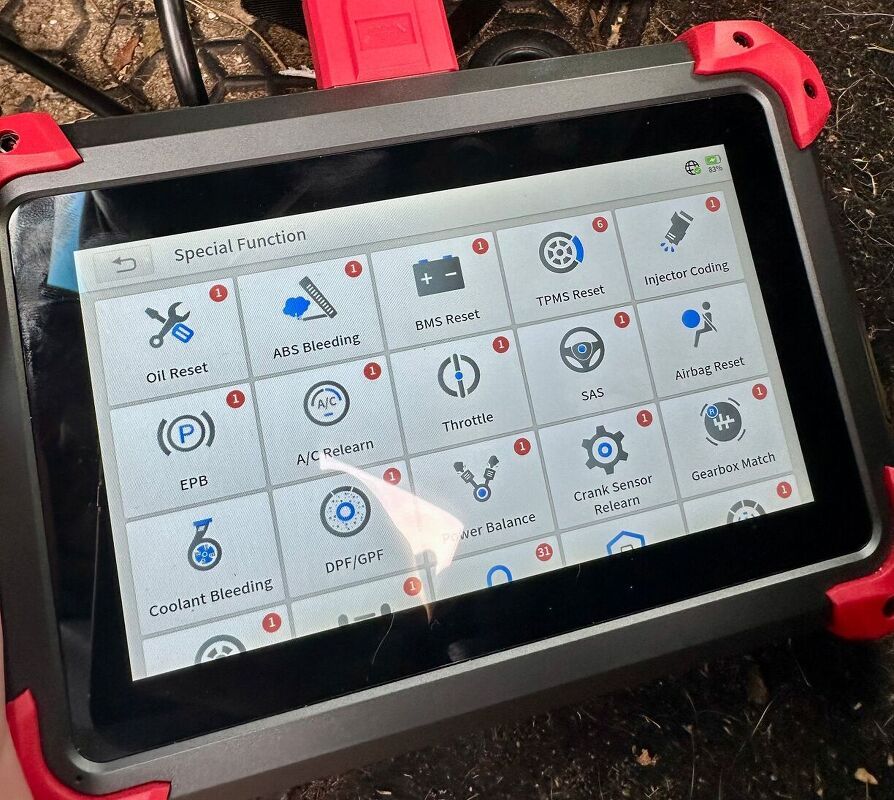
With all that out of the way, the scanner should now present you with a series of prompts, which tend to be fairly straightforward. The tool will be able to display trouble codes, describe various faults, and sometimes even run system tests. For average drivers, though, reading DTCs is probably the most useful feature because this can help you pinpoint specific issues.
After you’ve corrected any underlying vehicle problems – replaced a bad oxygen sensor, ensured the cylinder No. 4 coil pack wire is properly connected or cleaned the mass airflow sensor – you can also use a scan tool to clear any trouble codes that are stored in the computer. This wipes the slate clean and will turn off the check engine light if it were illuminated.

Automotive Scan Tools Can be a Lifesaver
Scan tools are enormously useful and can save you thousands of dollars. They can help you diagnose – and ultimately correct – frustrating vehicle problems. These instruments sound complicated, and they do offer a lot of functionality, but most automotive scan tools should be quite easy to use once you understand their basic functionality. Just plug ‘em in, read the trouble codes, correct the issue, and continue on your merry way.